

A course promo video converts when it does three things in order: stops the scroll in the first three seconds, proves the outcome rather than describing the curriculum, and makes the course feel produced rather than recorded. Most promo videos fail at the first one and never get the chance to fail at the other two. This is the structure that works, why each beat is there, and what to fix if your listing gets traffic but not enrolments.
Who this is for
Creators selling on Udemy, Teachable, Kajabi, Skool, Thinkific, Podia, or a self hosted site, who already have a finished course and are now losing the sale on the listing page rather than in the curriculum.
The Real Job of a Course Promo Video
A course marketplace is a browsing environment. A prospective student is comparing four courses on the same topic, with similar ratings, similar lengths, and similar prices. The curriculum outline cannot differentiate you, because everyone teaching that topic covers roughly the same ground. The reviews cannot differentiate you early on, because you do not have enough of them yet.
The promo video is the only place on the listing where production quality is visible. That makes it a proxy, and students read it as one: if the two minutes you chose to show me look thrown together, the ten hours you did not show me probably are too. The video is not persuading anyone that the course is good. It is removing the default assumption that it is not.
"Students cannot evaluate a curriculum they have not taken. They evaluate the only evidence available, which is how the course looks in the first five seconds."
- Holly Films
The Five Beat Structure
Nearly every promo video that converts follows the same sequence. The order matters more than the runtime, because each beat only works if the previous one has landed.
Beat 1: The hook, 0 to 3 seconds
Open on the outcome, the problem, or motion. Never open on a logo, a slow fade, or your name and credentials. The student has not yet decided you are worth three seconds, so spending those three seconds on branding is spending currency you have not earned. A single line of kinetic typography naming the result they want will outperform a beautifully animated logo reveal every time in this position.
Beat 2: The promise, 3 to 15 seconds
State exactly what they will be able to do when the course is finished. Specific and verifiable beats broad and aspirational. Build a working REST API beats master backend development. Read a balance sheet in ten minutes beats understand finance. Specificity is what makes a promise credible, and credibility is the entire product on a listing page.
Beat 3: The proof, 15 to 35 seconds
Show the work, not the instructor. Screens from the actual lessons, a project being built, a before and after, a number that moved. This is where most promos drift into a talking head explaining the curriculum, which is the least persuasive available option because every competing listing has one.
Beat 4: The credibility, 35 to 50 seconds
Now your credentials work, because the student is invested enough to care who is teaching. Keep it to the one fact that matters for this specific topic. Years of experience, a recognisable employer, a result you produced. One line, on screen, moving with the rest of the piece.
Beat 5: The close, final 10 seconds
One instruction, with the sound design resolving on it. Enrol now. Start the first lesson free. Do not stack three calls to action and do not fade out on a black screen with no direction. The last frame should still be working.
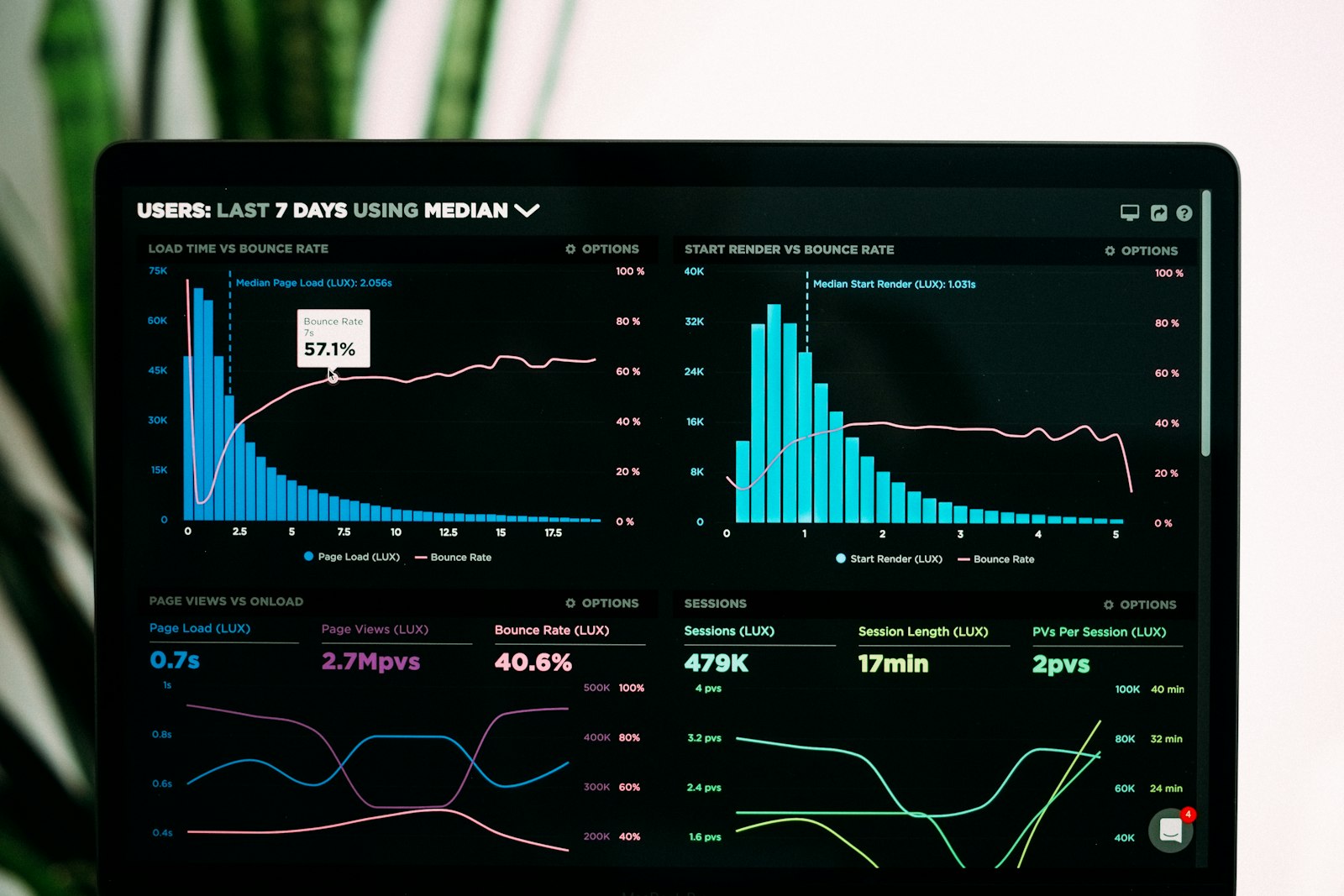
Where Attention Is Lost on a Typical Course Promo
Read that as the pattern we see across creator listings rather than a published industry figure. The distribution is consistent though: the overwhelming majority of promo video drop off happens before the video has said anything, and it is caused by structure rather than production budget.
The Asset Most Creators Skip
The promo video sells the course. The animated course intro, a branded ten to fifteen second open that sits at the head of every lecture, is what makes the course feel worth what they paid once they are inside. Most creators never make one, because it does not appear to affect the buying decision.
It affects everything after it. Completion rates, review scores, refund rates, and whether a student buys your second course. A course that opens the same way every lecture reads as a product. A course that starts cold on a screen recording reads as a folder of videos. The two can contain identical teaching and land completely differently.
What this looked like in practice
One creator we worked with relaunched with exactly two new assets: a fifteen second animated course intro with a branded logo reveal and kinetic typography carrying the course promise, and a 45 second promo trailer for the listing page and social. Sales rose 120 percent and they moved from bronze tier to gold. The curriculum did not change. The price did not change. The lessons were the same recordings. The only variable was the first impression, and the first impression was doing more work than anyone had credited it with. The full breakdown is in The Best Video Agency for SaaS and Udemy Course Creators in 2026.

Seven Mistakes That Kill Conversion
- Opening on a logo. The student has not decided you are worth three seconds yet, so do not spend them on branding.
- Reading the curriculum out loud. The outline is already on the page in text, where it is faster to scan.
- Talking head for the full runtime. It is the cheapest thing to shoot and the least persuasive thing to watch.
- No captions. A large share of browsing happens with sound off, and a silent promo with no text on screen communicates nothing.
- Raw screen recordings at full speed. Real time mouse movement is dead air. Animate the interface or cut aggressively.
- Mismatched audio. Clean visuals with laptop microphone narration reads as amateur faster than any visual flaw.
- One aspect ratio. The listing needs widescreen, social needs vertical, and repurposing the same master costs almost nothing if it was planned for.
How Long Should It Be?
Sixty seconds is the reliable target for a listing page promo, with 45 to 90 seconds as the workable band. Under 45 and there is rarely room for proof, which is the beat that does the persuading. Over 90 and you are asking for a commitment the student has not agreed to yet.
Platform requirements vary and they change, so check your platform's current promo video specification for length, resolution, and file format before you finalise. Build the master at the longest length you need and cut down from it, rather than trying to extend a short piece later.
The Course Creator Asset Set
Promo trailer
- Hook in 3s
- Specific promise
- Proof of work
- Single close
Animated intro
- 10 to 15 seconds
- Every lecture
- Branded open
- Feels produced
Thumbnail
- Readable at small size
- Outcome led
- Consistent with promo
- Built to test
Cutdowns
- Vertical for social
- Square for feeds
- Captions burned in
- Multiple hooks
Make It Yourself or Commission It
If you are technically confident and have time, the structure above is more important than the tooling, and a well structured promo edited simply will outperform a beautifully animated one with the beats in the wrong order. Get the sequence right first.
Commissioning makes sense when the bottleneck is craft rather than structure: motion design, typography that moves with the piece, and sound that resolves on the call to action. Those are the elements that separate produced from recorded, and they are difficult to fake. Holly Films builds a deliberately narrow set for creators, which is an animated course intro, a promo sales trailer, and animated thumbnails, delivered in three to five business days. Full lecture editing is available on request, but those three assets carry almost all of the conversion weight. Details at hollyfilms.com/for/course-creators.
Common Questions
How long should a course promo video be?
Around 60 seconds, with 45 to 90 seconds as the practical range. Shorter than 45 seconds rarely leaves room to show proof of the work, which is the beat that actually persuades. Longer than 90 seconds asks for a time commitment the student has not agreed to yet. Check your platform's current specification for length and resolution requirements, since these differ by marketplace and change over time.
What should a course promo video include?
Five beats in order: a hook in the first three seconds that opens on the outcome or the problem, a specific promise of what the student will be able to do, proof shown through real lesson screens or a project being built, one line of credibility about why you are the person teaching it, and a single clear close. Captions throughout, because a large share of browsing happens with sound off.
Do I need an animated intro for my course?
It is the most underrated asset in online course production. A ten to fifteen second branded open at the head of every lecture makes a course feel like a product rather than a folder of recordings, which affects completion rates, review scores, and whether a student buys your next course. One creator saw 120 percent sales growth and a bronze to gold tier move after adding an animated intro and a new promo trailer, with no change to the curriculum or price.
Why is my course not selling despite good reviews?
If traffic is arriving and enrolments are not following, the problem is almost always on the listing rather than in the course. Reviews only help students who have already scrolled far enough to read them, and the promo video sits above that point. Check whether the first three seconds open on a logo, whether the promo reads the curriculum aloud instead of showing the work, and whether the thumbnail is legible at the size it actually displays.
Can I use AI to make my course promo video?
For parts of it, usefully. AI is genuinely good at previsualisation, asset generation, cleanup, and producing platform variants from one master. What it does not do is decide the beat order, set the pacing, or design sound that lands on the call to action, and those are the decisions that determine whether the promo converts. Raw generated output is recognisable on sight and reads as low effort, which is the exact impression a promo video exists to prevent.
Does this work outside Udemy?
Yes. The same structure applies on Teachable, Kajabi, Skool, Thinkific, Podia, and self hosted course sites, as well as YouTube channels selling a course off platform. Marketplaces show the effect most clearly because students are comparing listings side by side, but any page where a stranger decides whether to trust you is governed by the same first impression.
The Bottom Line
Your course promo video is not a summary of the curriculum. It is the only evidence a stranger has about the quality of something they cannot inspect before buying. Get the five beats in order, open on the outcome instead of your logo, show the work rather than describing it, and put a branded intro at the head of every lecture so the product keeps its promise after the sale. None of that requires a bigger budget. It requires the structure to be right.
Make the first impression carry its weight
Holly Films makes animated course intros, promo sales trailers, and thumbnail motion graphics for online course creators. Built for Udemy and every other platform, delivered in 3 to 5 days at 60 to 70 percent below traditional agency cost. Visit hollyfilms.com/for/course-creators to get started.